
Text recognition
OCR PDF offline: text recognition for scanned files
Without text recognition, scanned pleadings, decisions and documents are mere images: they can neither be searched nor quoted. PageDream PDF performs PDF text recognition (OCR) offline on your own computer and places an invisible, searchable and copyable text layer over the page image. Post-processing for legal texts improves the recognition of section signs and umlauts.
Free without signing in. Try Pro for 14 days with a free account. For Windows; a macOS version is in preparation.
Scanned files often contain particularly sensitive content: expert opinions, medical records, contracts or correspondence. PageDream PDF processes them exclusively locally; the language data are included in the program, and the pages never leave the computer. Read more about working without a cloud on the dedicated page.
The page image is preserved during text recognition; the text layer lies invisibly on top. The document therefore looks as before but is searchable, and passages can be selected and copied. Pages that already contain text can be skipped; PageDream PDF detects pages that were scanned rotated and turns them upright.
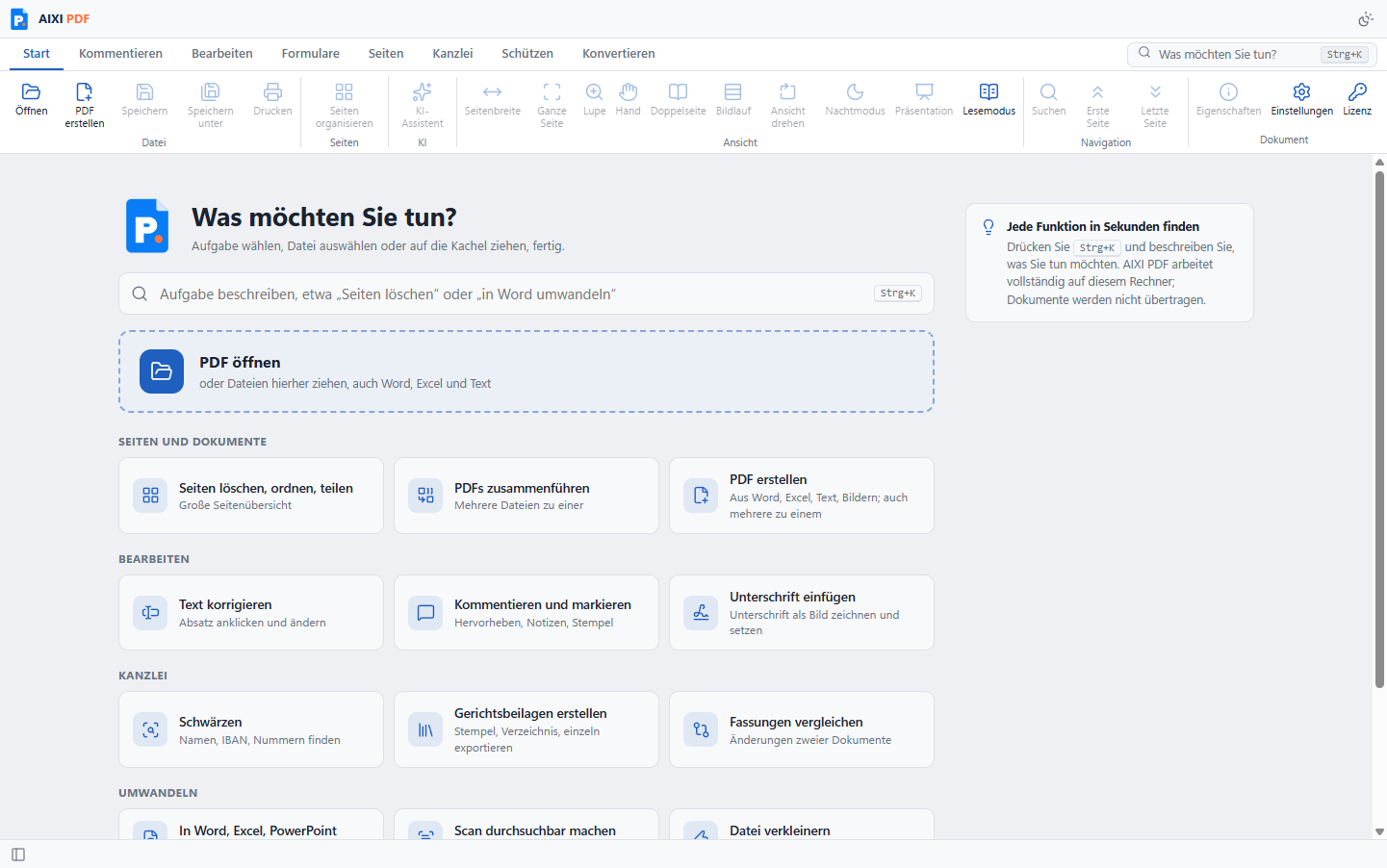
How to make a scanned PDF searchable with OCR
- Open the document Open the scanned PDF in PageDream PDF. You can also reach text recognition through the command search.
- Choose pages and languages Specify the pages to be recognised or leave the field empty for all pages. Ten recognition languages are available: German, English, French, Spanish, Italian, Dutch, Portuguese, Polish, Croatian and Turkish.
- Set the resolution 300 dpi is recommended; 200 dpi is faster, and 400 dpi helps with small print. Pages that already contain text can be skipped.
- Run the recognition Text recognition runs locally. Post-processing then corrects typical errors, such as character noise along lines and frames as well as misrecognised section signs and umlauts.
- Check the result Check the result before relying on it, particularly for quotations, amounts and dates. The quality depends on the original.
Why text recognition is indispensable in legal practice
Files obtained through inspection of court records, files from authorities and client documents often arrive as scans. Only with a text layer can names, amounts or case numbers be found across hundreds of pages, passages be taken over into pleadings and versions be checked for changes with the function to compare. All other tools are on the features page.
Text recognition is also a prerequisite for redaction by search patterns: on pages without a text layer, an IBAN or a name cannot be found. For highlighting on scans, on the other hand, the area highlight is available, which marks a rectangular section even where there is no text layer.
Under the licence terms, the results of text recognition depend on the nature of the source documents; recognition errors cannot be excluded, in particular with poor scan quality, small print or handwriting. The results support your own review and do not replace review by a competent person.
Post-processing for legal texts
General recognition methods sometimes struggle with the section sign and with umlauts; a statutory citation can thus become a string of characters that no search will find. Post-processing in PageDream PDF examines such passages on the basis of shape and context and cross-checks them throughout the document. At the same time it removes noise caused by lines, frames and stamps.
Frequently asked questions
Does text recognition really run offline?
Yes. Recognition takes place entirely on your computer; the language data for the ten recognition languages German, English, French, Spanish, Italian, Dutch, Portuguese, Polish, Croatian and Turkish are included in the program. The pages are not transferred to a server, and no internet connection is required for recognition.
Does text recognition change the appearance of the document?
No. The page image is preserved; PageDream PDF places an invisible text layer over it. The document looks as before but can be searched, and text can be selected and copied. Pages that already contain text can be skipped.
How reliable is the recognition?
That depends largely on the original. The cleaner the scan, the more reliable the result; poor scan quality, small print, handwriting or an unusual document structure can lead to errors. Always check the result yourself, therefore, before relying on it.
Can I highlight on scans without running OCR first?
Yes. With the area highlight you mark a rectangular section, even on pages without a text layer. For essential passages in exhibits, the margin marker is also available. With the object selection tool, such annotations can be moved, resized, rotated or deleted.
What does text recognition cost?
Try OCR with PageDream PDF
Make your scanned files searchable and try Pro with all features for 14 days, with a free account and without payment details.