Compare versions
Compare PDF versions: identify changes between drafts
In a contract negotiation or when a pleading is being agreed, several versions of the same document come into existence. With PageDream PDF you compare two PDF versions and see which text was inserted and which was deleted. The comparison takes place locally on your computer; the documents are not transferred to a cloud.
Free without signing in. Try Pro for 14 days with a free account. For Windows; a macOS version is in preparation.
The compare versions function matches the text of two PDF documents word by word. Insertions and deletions are highlighted in the running text, page references serve as orientation, and a summary states the number of insertions and deletions together with the word count. If you wish, you save the result as a change report in PDF format.
What is compared is the text content. Scanned documents without a text layer should therefore first be made searchable with text recognition (OCR). Formatting, images and layout are not part of the comparison. Further tools are listed under features.
How to compare PDF versions in PageDream PDF
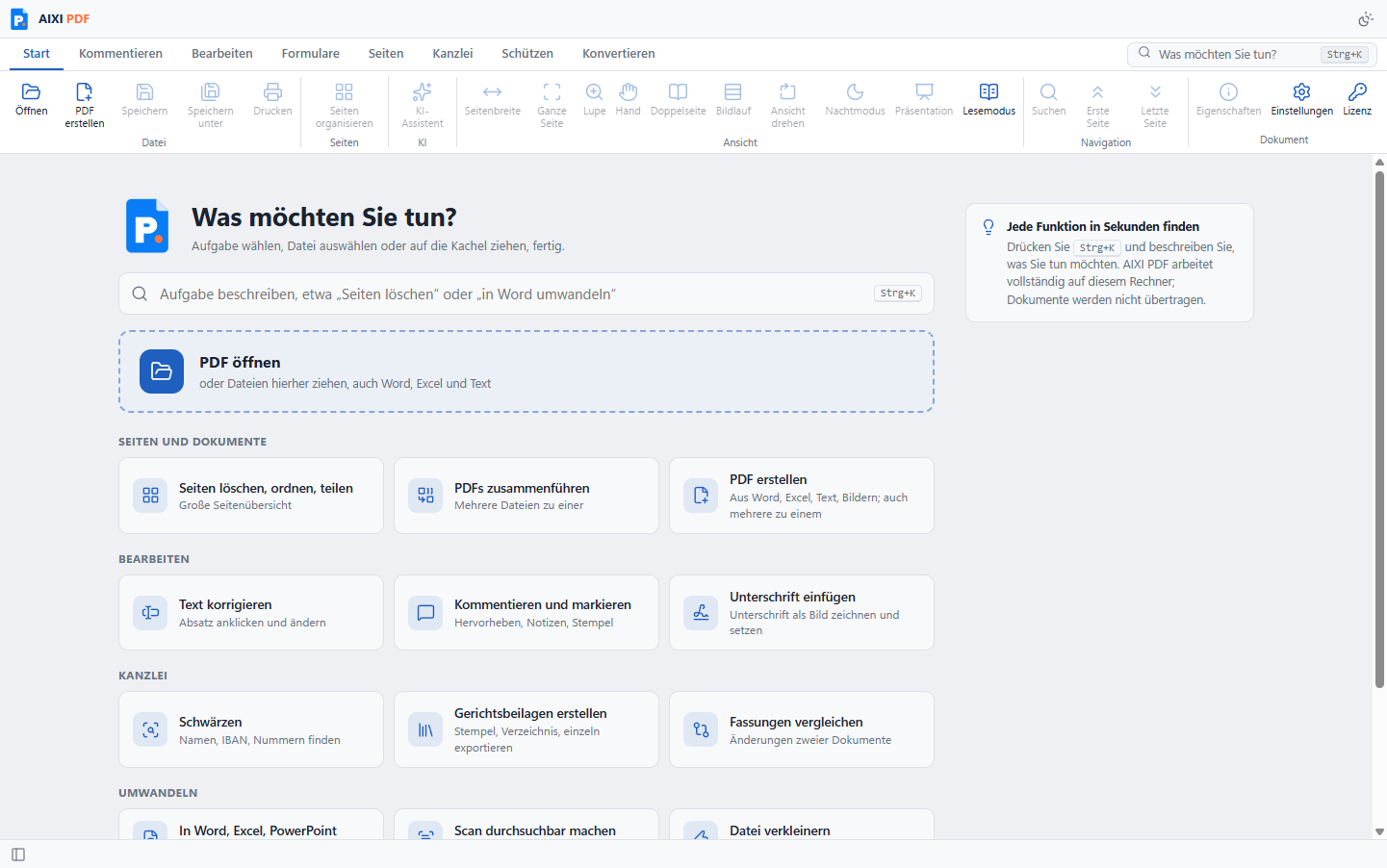
- Start the comparison Choose the compare versions tile on the start screen or call up the command through the command search.
- Select the versions Specify the original version and the new version. You can choose documents that are already open, open files from a drive or drag them onto the relevant field.
- Go through the changes The display shows insertions and deletions in context. With the Previous change and Next change buttons you move from one change to the next.
- Show changes only For long documents, activate the option to show only changes with context. Unchanged passages are then shortened, while a brief excerpt of the surrounding text remains visible in each case.
- Save the report Save the change report as a PDF. It states both file names, the number of insertions and deletions and the date of creation, and shows insertions underlined in green and deletions struck through in red.
What comparing versions achieves in a law firm
In contract negotiations, drafts are frequently returned as PDFs or without tracked changes. Comparing them with your own last version reveals which wording the other side has altered, including where changes were not announced.
For pleadings on which several people work, you can check before filing whether the agreed version is in fact the one at hand. Likewise, you compare a contract version sent for signature with the most recently negotiated draft.
The comparison is an aid and does not replace your own review. Under the licence terms, the results of comparing versions depend on the nature of the source documents; they support your own review and do not replace review by a competent person. This applies in particular to tables, footnotes or multi-column layouts.
Frequently asked questions
Can PageDream PDF also compare scanned versions?
The comparison is based on the text of the documents. A scan without a text layer initially contains only images of the pages. You should therefore first run text recognition, which PageDream PDF performs offline on your computer. The quality of the comparison then depends on the quality of the recognition.
Are changes in formatting detected?
No. What is compared is the wording, not the design. Changes to font, emphasis, spacing or images are not shown. Different line breaks and white space do not affect the result, as the text is normalised before the comparison.
Do the documents leave my computer during the comparison?
No. The comparison takes place entirely locally; documents are not transferred to a cloud, and there is no telemetry. No account is required for PageDream PDF. Details are set out under security.
Can I pass the change report on?
The report is saved as a separate PDF and can be passed on like any other document, for example to clients. Review it beforehand, as it reflects the text differences identified by the program and does not replace your own review.
Compare versions with PageDream PDF
Compare your next contract drafts with PageDream PDF and try Pro with all features for 14 days, with a free account and without payment details.