Archiving
Create and check PDF/A
Anyone who keeps pleadings, contracts and files for years needs a format that will be displayed in the same way in future. With PageDream PDF you create PDF/A by converting documents to PDF/A-2b, and you check existing files against the essential requirements of the standard. Both take place offline on your Windows computer, for single files or whole folders.
Free without signing in. Try Pro for 14 days with a free account. For Windows; a macOS version is in preparation.
PDF/A is a form of PDF standardised under ISO 19005 for long-term archiving. A PDF/A file contains everything required for its display, in particular the fonts, and dispenses with content whose rendering depends on external circumstances. Archives and some authorities and courts require PDF/A; which requirements apply in an individual case follows from the relevant rules in each instance.
PageDream PDF converts to PDF/A-2b, that is, to part 2 of the standard at level B. In the process fonts are embedded, a colour profile is set and impermissible content such as JavaScript, embedded files or encryption is removed; the appearance of the pages is preserved. The other tools are listed under features.
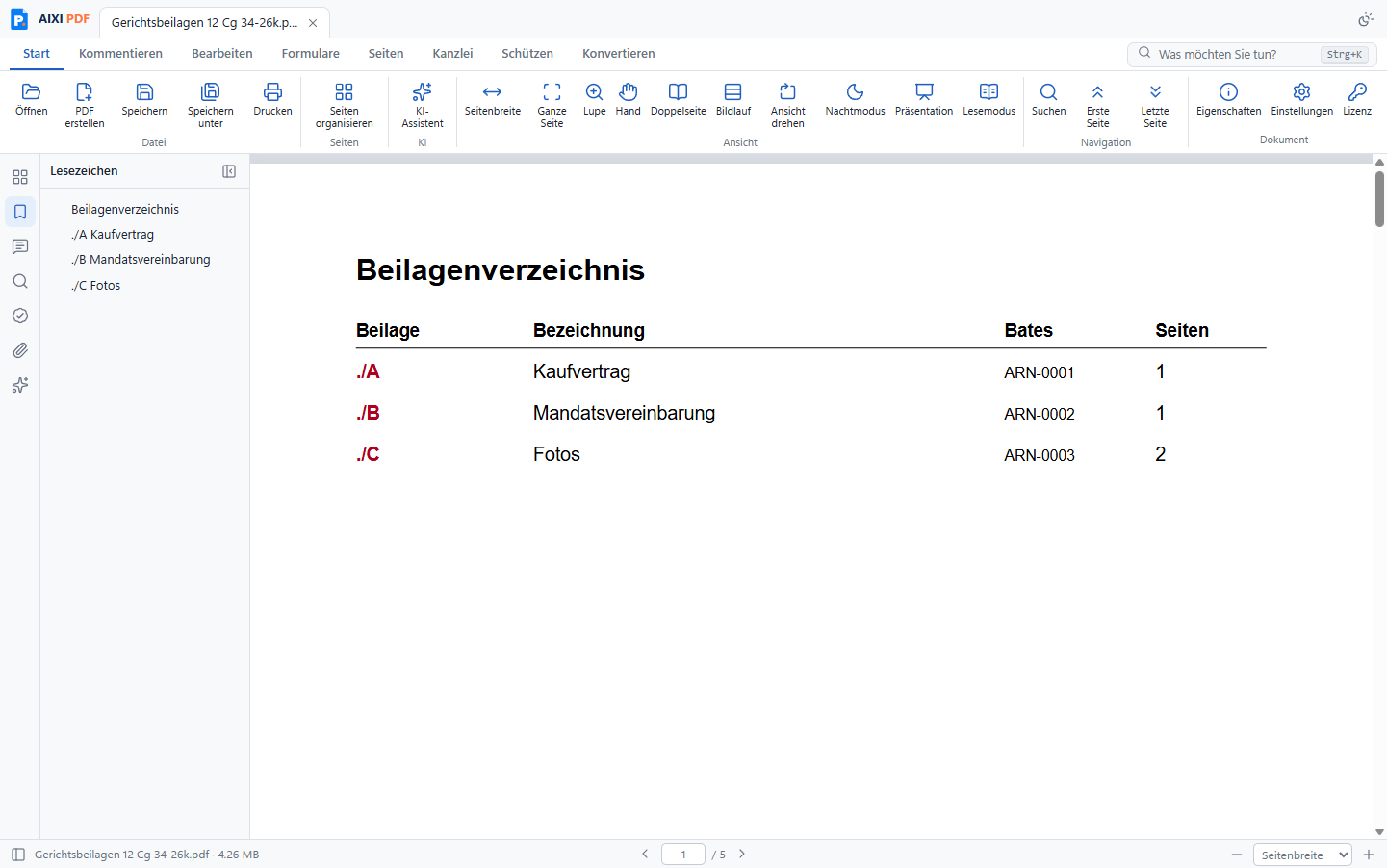
How to create and check PDF/A in PageDream PDF
- Open the document Open the document that is to be archived or filed. You will find the command for creating PDF/A in the ribbon or through the command search.
- Start the conversion PageDream PDF embeds missing fonts using metrically compatible substitute fonts, sets an sRGB colour profile, makes annotations printable and writes the PDF/A identification into the metadata.
- Review the result Immediately after the conversion PageDream PDF runs a pre-check and shows whether the file was created as PDF/A-2b or which notes apply.
- Save under a new name Save the result as a separate file. The source version thus remains available for further editing.
- Check files you receive With the PDF/A check you establish whether, and as which PDF/A level, a file is identified, and you receive a list of the requirements checked.
- Convert whole folders In batch processing you select the step for conversion to PDF/A-2b and specify a target folder; the originals remain unchanged.
Why PDF/A matters for law firms
Files often have to be kept for long periods and must still be legible at that point. An ordinary PDF may depend on fonts installed on the particular computer, on scripts or on embedded content. PDF/A removes such dependencies and is therefore suitable for storing closed files.
Where archives, authorities or courts require PDF/A, a file converted in advance avoids queries. Clarify in each case which part and which level of the standard is required; PageDream PDF produces PDF/A-2b. The technical requirements for filing via beA under the ERVB 2025 and with US federal courts via CM/ECF are covered by the pre-filing check.
The conversion removes any encryption. For confidential documents you should therefore decide how the archived version will be stored securely. For the long-term verifiability of digital signatures, PAdES provides the B-LTA level with an archive timestamp, which PageDream PDF supports; more on this under signing PDFs digitally.
Accessibility: tagging and check (PDF/UA)
Accessibility is related to archiving. PageDream PDF checks documents for open issues and, if required, creates a structure (tagging) that enables assistive technologies such as screen readers to interpret the document; the language, title and alternative texts for figures can be specified in the process. This step is also available in batch processing.
Limits of the pre-check
The pre-check in PageDream PDF covers the essential requirements of PDF/A. It does not replace a certified validation, for example with veraPDF, which checks numerous further technical details. Where conformity has to be demonstrated for legal or contractual reasons, such a validation is advisable in addition.
Frequently asked questions
Which PDF/A level does PageDream PDF produce?
The conversion is to PDF/A-2b, that is, ISO 19005-2 at level B. The PDF/A check shows which identification an existing file carries. Whether a recipient requires a particular level should be clarified before filing or archiving.
Does the conversion change the appearance of my document?
The appearance of the pages is preserved. Fonts that are not embedded are replaced by metrically compatible fonts with the same character widths and embedded. JavaScript, embedded files and any encryption are removed; annotations are made printable.
Can I convert many files at once?
Yes. Batch processing applies the conversion to PDF/A-2b to all PDF files in a folder and writes the results to a target folder. It can be combined with other steps, for example text recognition, page numbers or tagging. Notes on individual files are shown in the result.
Does the check replace a certified validation?
No. The check in PageDream PDF is a pre-check of the essential requirements. A certified validation checks numerous further technical details. Under the licence terms, the results of the PDF/A and accessibility checks support your own review and do not replace review by a competent person.
Create PDF/A with PageDream PDF
Try the conversion and check with Pro and all features for 14 days with your own documents, with a free account and without payment details.