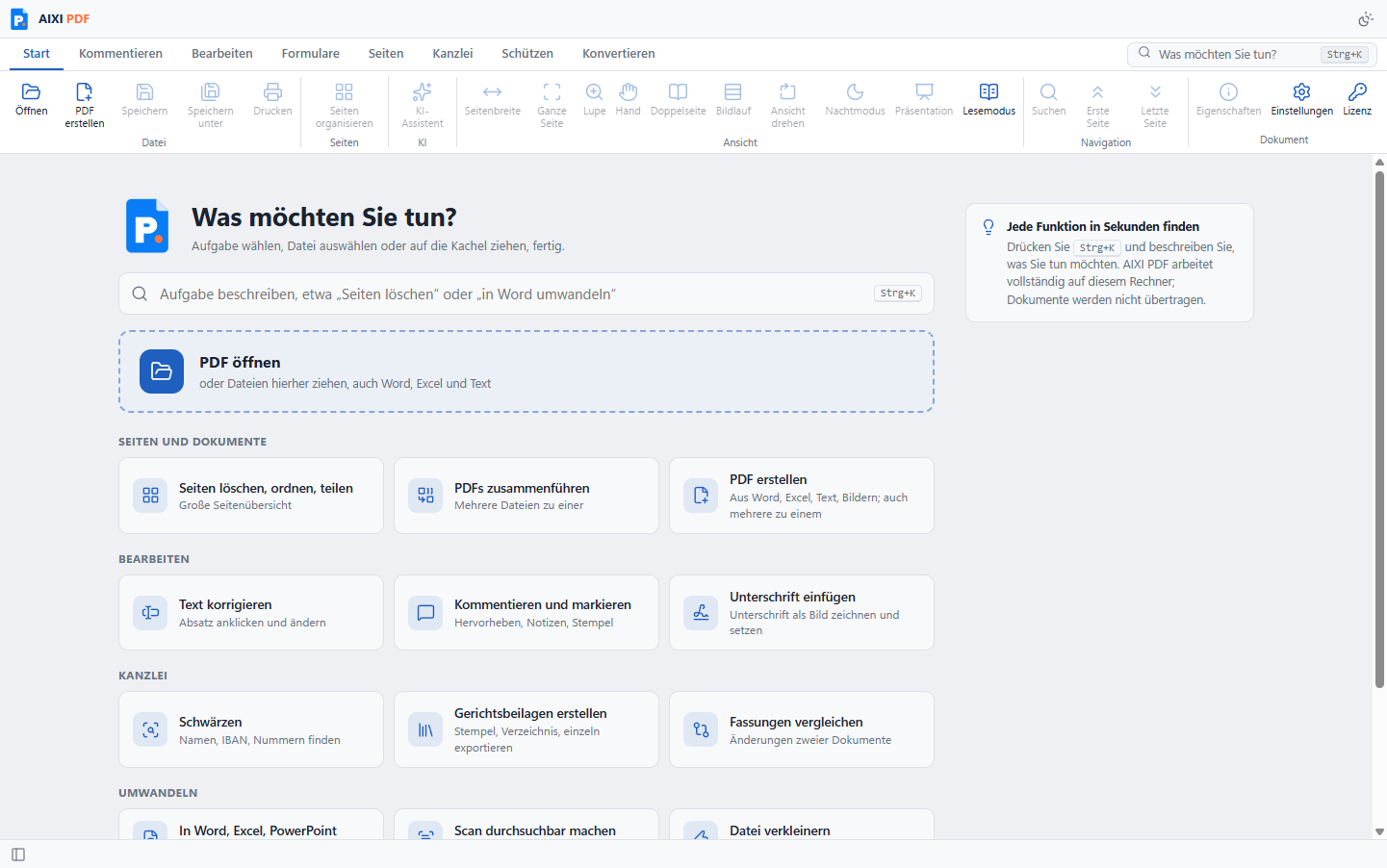
From reading to long-term filing: PageDream PDF covers work with PDFs in law firms and organisations, entirely locally on your computer.
The free version runs without signing in and with no expiry date. The following applies: Free, unrestrictedFree, with footer
(edited documents with footer when saved, printed or sent) Pro
Free, unrestricted
Reading and viewing
Several documents in tabs, search, bookmarks and views for focused reading.
Tabs for several documents
Search across the entire document
Bookmarks
Presentation mode
Night mode and read mode
Printing unchanged documents
Free, with footer
Commenting and highlighting
Annotations as you know them from working on files, including on scanned pages.
Highlighting, including area highlights for scans
Notes
Shapes and stamps
Eraser
Pro
Text editing
Corrections directly in the PDF, without going back to the source document.
Edit paragraphs
Edit images
Whiteout
Free, with footer
Page organisation
Rearrange pages and assemble documents.
Reorder, rotate, delete
Insert and extract pages
Split and merge documents
Free, with footer
Forms
Fill in, create and flatten forms.
Fill in forms
Create forms
Detect fields (Pro)
Flatten forms
Pro
Text recognition (OCR)
Make scanned documents searchable, offline and with post-processing for legal texts.
Offline text recognition on your own computer
Post-processing for legal texts, such as section signs and umlauts
Free, with footer
Create PDF
Create PDFs from common formats.
Create PDF from Word, Excel, PowerPoint, RTF, text, CSV and images
Pro
Export
Continue working on a PDF in other programs.
PDF to Word, Excel and PowerPoint
PDF to images and text
Area as image
Pro
Redaction and sanitising
Remove confidential content, not merely cover it.
Search patterns, for example for names, IBANs and numbers
Redaction of areas and text
Removal from the file with independent check
Optional audit log with SHA-256 checksums
Sanitise metadata
Pro
Compare versions
Check two versions of a document for changes.
Comparison of versions
Pro
Court exhibits
Exhibits for pleadings in line with Austrian practice, optionally with German exhibit labels.
Austrian exhibit labels ./A, ./1 or ./I depending on the party
German exhibit labels K 1, B 1 as an option
Exhibit index with case number
Exhibit stamp with firm name and logo
Exhibits exportable individually stamped
Margin marking of key passages
Bates numbering
Exhibit labelling: several PDFs by party (./A, ./1, ./I or Anlage K and B), consecutively or per witness, numbers stored per case, label or cover sheet and exhibit index as PDF and CSV
Free, with footer
Page numbers and layout
Mark documents consistently before passing them on.
Page numbers with position, format and start page
Watermark
Header and footer
Pro
Archiving and accessibility
File documents for the long term and readable for everyone.
Create and check PDF/A (Pro)
Accessibility: tagging and check (PDF/UA) (Pro)
Pre-filing check for beA/ERV Germany and US federal courts (CM/ECF); one-click fixes under the rules of the licence tier
Compression
Pro
Batch processing
Apply recurring steps to whole folders.
Batch processing of whole folders
Pro
Digital signatures
Signing in accordance with PAdES and verification against a trust list.
PAdES B-B, B-T (timestamp), B-LT and B-LTA (archive timestamp)
Certificate store and signature cards on Windows, certificate files
Certification of documents
Handwritten signature image
Signature verification with trust list (free without registration)
Free, with footer
Protection
Restrict access to documents in a targeted way.
Password protection
Permissions
Pro
AI assistant (optional)
Switched off by default. With your own API key for Claude, ChatGPT, Gemini or an OpenAI-compatible service, for example a European provider or your own instance.
Switched off by default
Your own API key for Claude, ChatGPT, Gemini or an OpenAI-compatible service, for example a European provider or your own instance
No AI model included in the program or installed
By default only the excerpts relevant to the question
Confidential data are replaced by placeholders before sending
Topics
Tasks from legal practice in detail
Detailed explanations of how PageDream PDF handles individual tasks.